



How to Choose the Best ERP for Small Business in 2026
Running a small business often means managing many tasks at the same time—purchasing, sales, inventory, employees, expenses, approvals, and customer requirements. When these activities are managed through spreadsheets, emails, and separate applications, it can become difficult to maintain accurate information and control daily operations.
An ERP for small business brings important business processes together in one system. The right ERP software can help businesses automate routine tasks, improve visibility, reduce manual work, and make better decisions.
But how do you choose the right ERP?
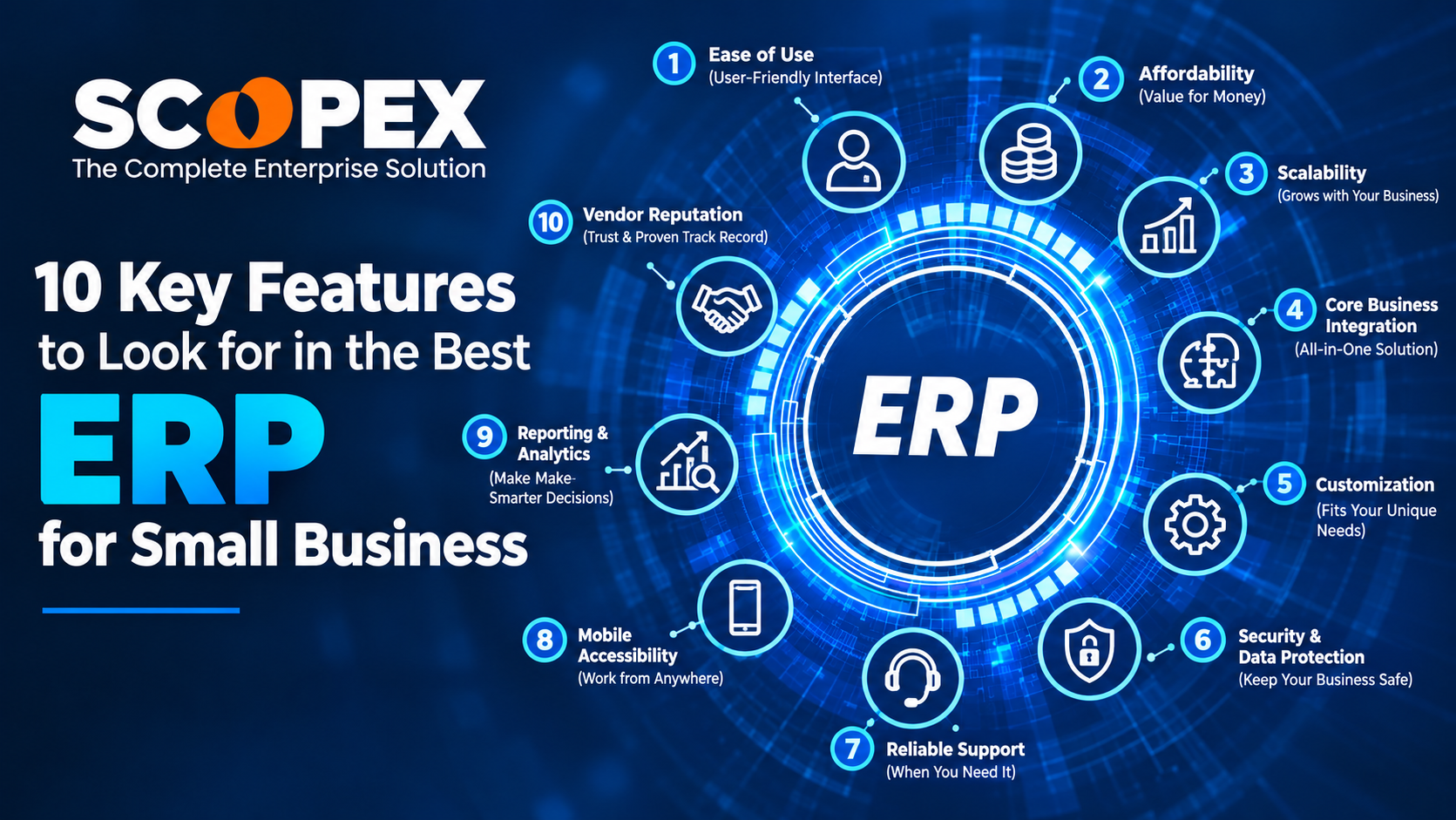
Here are 10 key features to look for in the best ERP for small business.
What Is ERP for Small Business?
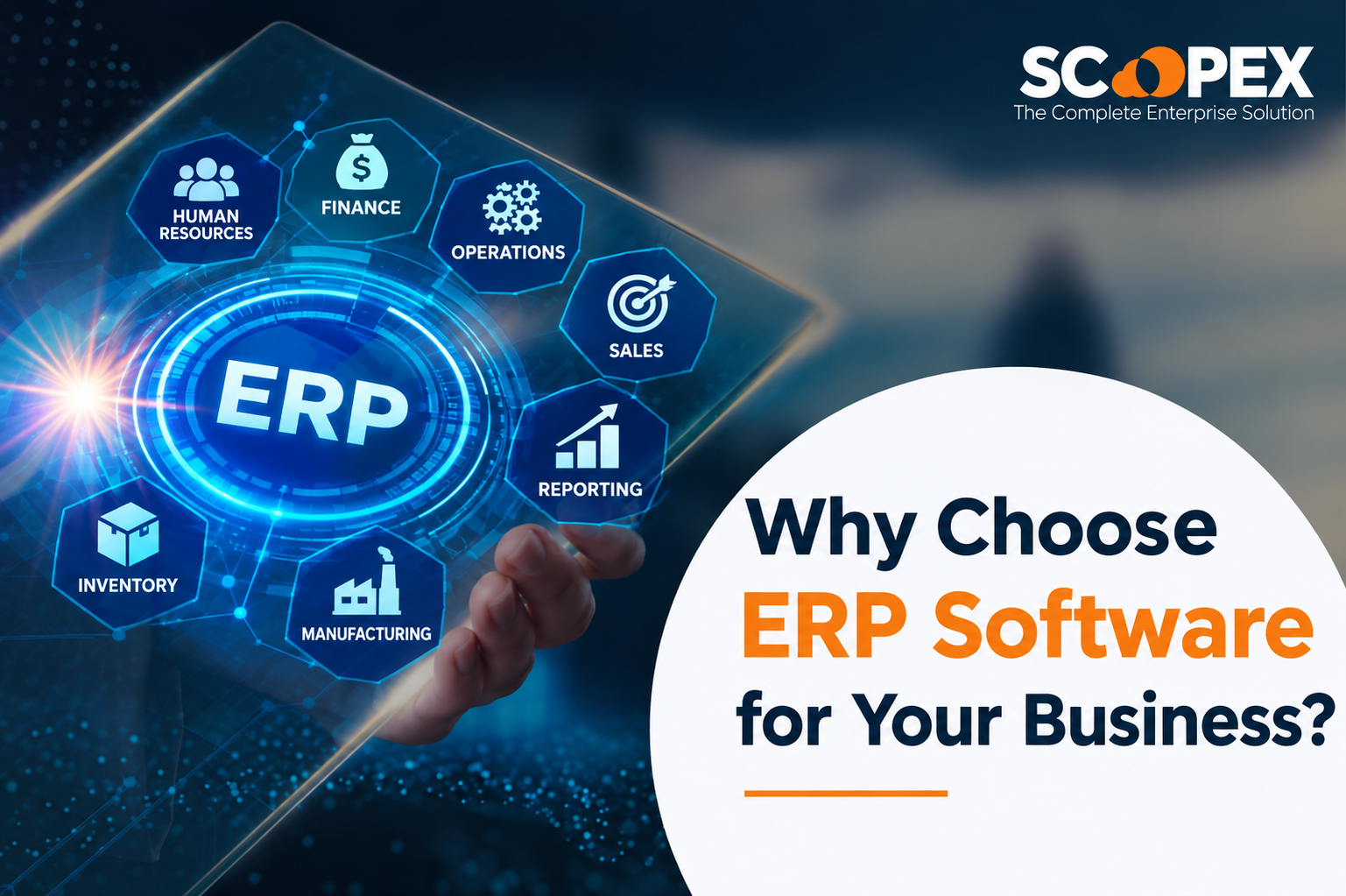
ERP, or Enterprise Resource Planning, is business management software that connects different operational processes through a centralized system.
For a small business, an ERP solution can help manage areas such as:
- Procurement and purchasing
- Sales and customer management
- Inventory and stock
- Finance and expenses
- Employee management
- Approvals and workflows
- Reporting and analytics
- Vendor management
- Documents and records
Instead of maintaining information across multiple disconnected tools, businesses can manage their operations from a more centralized platform.
1. Easy-to-Use Interface
Small businesses usually have limited time and resources for complicated software. Therefore, usability should be one of the first things to consider when selecting an ERP.
The ERP interface should be:
- Simple to navigate
- Easy for employees to learn
- Accessible from different devices
- Clear and organized
- Suitable for both technical and non-technical users
A user-friendly ERP can reduce training requirements and encourage employees to use the system consistently.
2. Procurement and Purchase Management
Purchasing is an important part of many small businesses. An ERP should provide a structured way to manage the purchasing process.
Useful procurement capabilities include:
Purchase Request → Approval → RFQ → Vendor Comparison → Purchase Order → Goods Receipt
This workflow can help businesses maintain better control over purchasing activities.
With a centralized procurement process, businesses can track purchase requests, supplier quotations, purchase orders, and approvals without relying heavily on emails or spreadsheets.
For businesses looking for dedicated procurement capabilities, Scopex focuses on procurement and purchasing workflow management.
3. Inventory Management
Inventory visibility is essential for businesses that purchase, store, manufacture, or sell products.
A suitable ERP should help track:
- Current stock levels
- Stock movements
- Product availability
- Goods receipts
- Stock transfers
- Reordering requirements
- Warehouse information
- Product details
Real-time inventory information can help businesses identify stock shortages and avoid unnecessary purchases.
For example, when inventory reaches a predefined level, the business can identify the requirement and initiate a purchase request instead of discovering the shortage after an order has already been received.
4. Workflow Automation
Manual approvals can slow down business operations.
An ERP with workflow automation allows businesses to define approval processes for activities such as:
- Purchase requests
- Purchase orders
- Expenses
- Vendor approvals
- Budget requests
- Leave requests
- Other internal transactions
For example:
Employee submits purchase request → Manager reviews → Finance approves → Purchase team processes the order
This creates a structured process and makes it easier to track where a request is currently waiting.
5. Mobile Accessibility
Business activities do not always happen at a desk.
Managers and employees may need to review requests, approve transactions, check information, or monitor operations while working remotely or travelling.
A mobile-friendly ERP can provide access to important business information through smartphones and tablets.
Mobile ERP capabilities can include:
- Mobile purchase requests
- Approval notifications
- Purchase order access
- Supplier information
- Inventory visibility
- Reports and dashboards
- Real-time notifications
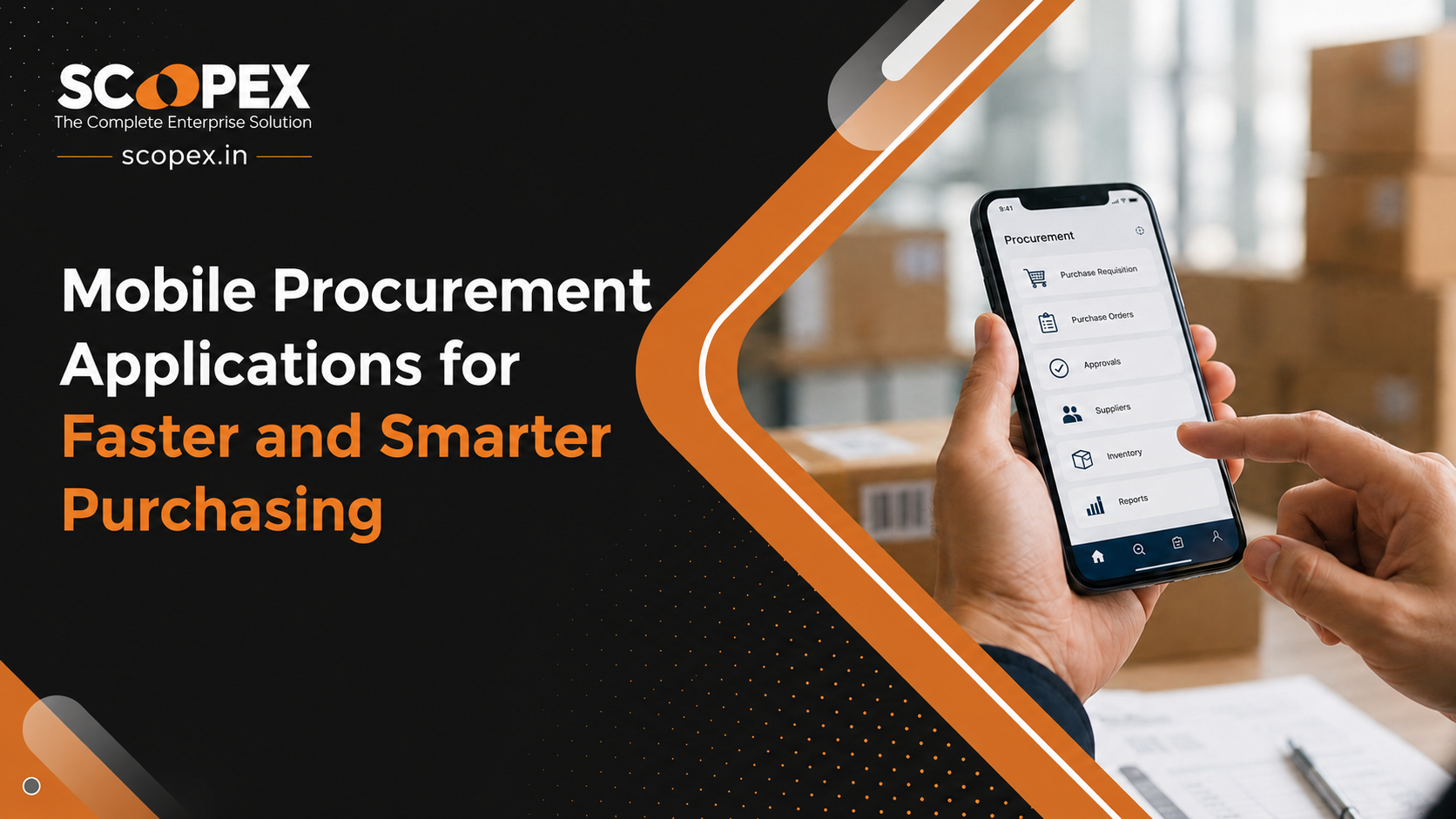
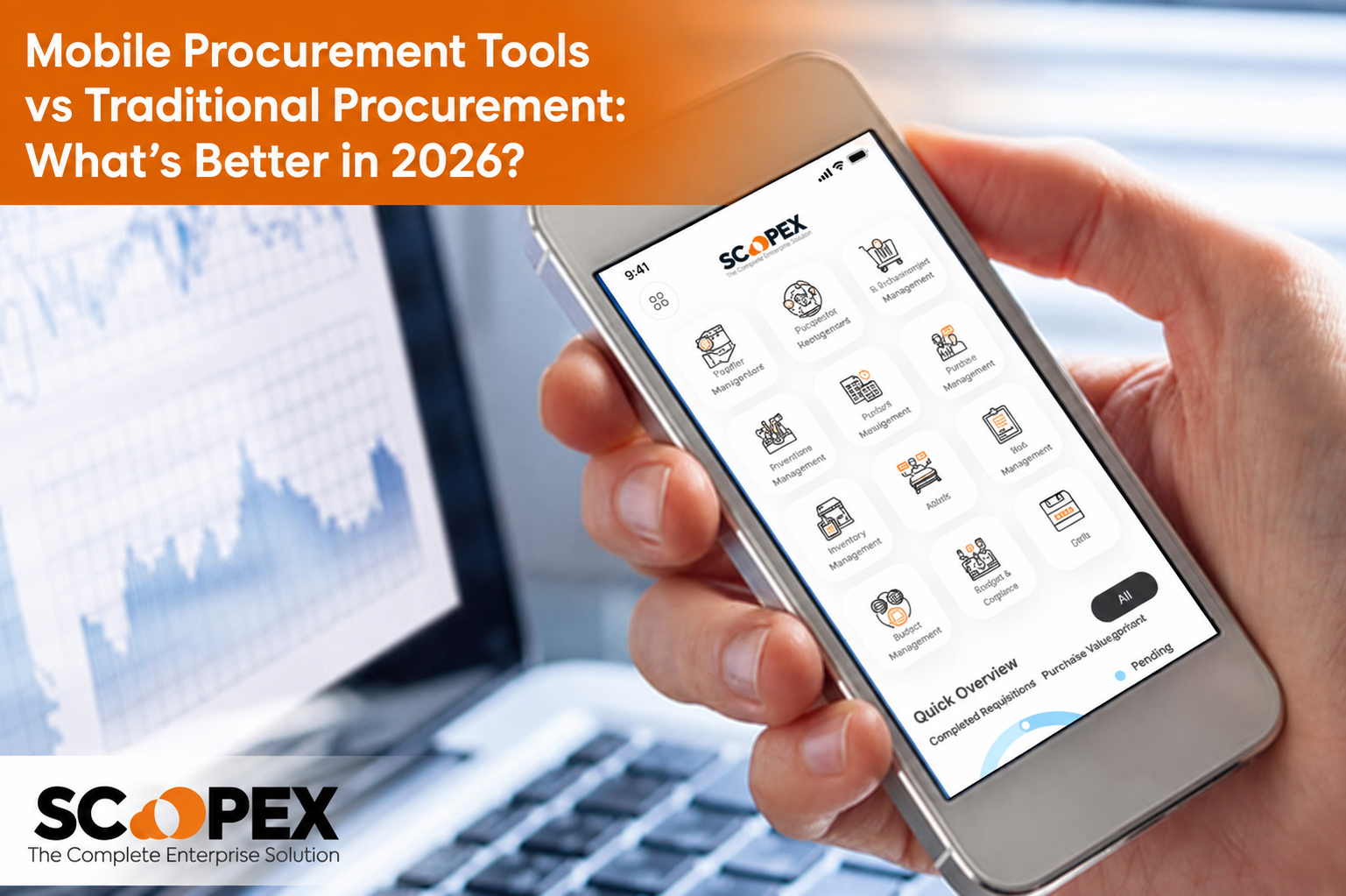
For small businesses with distributed teams, mobile ERP and mobile procurement applications can make day-to-day operations more flexible.
6. Real-Time Reports and Dashboards
Business owners and managers need accurate information to understand what is happening across the organization.
An ERP should provide useful reports and dashboards for areas such as:
- Purchasing
- Inventory
- Sales
- Expenses
- Supplier performance
- Employee activities
- Budget utilization
- Business transactions
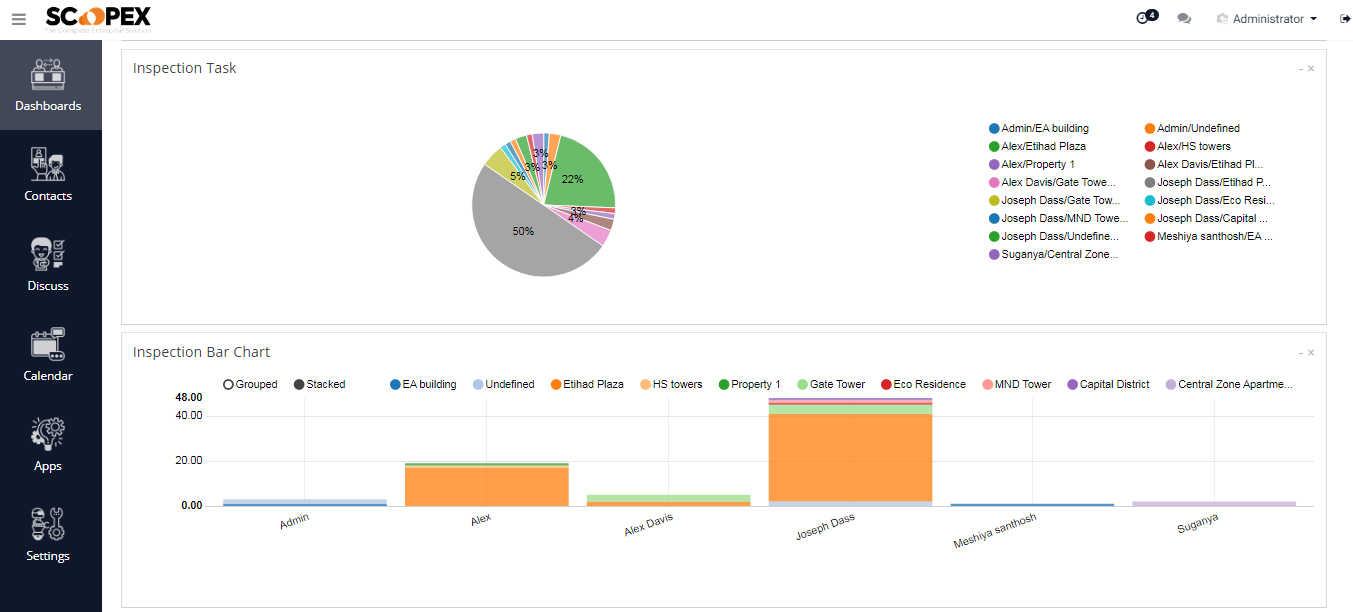
Instead of manually collecting information from multiple spreadsheets, users can access centralized data and generate reports from the system.
Why are ERP dashboards important?
They can help managers quickly understand business activity and identify areas that require attention.
7. Supplier and Vendor Management
Small businesses often work with multiple suppliers. Managing supplier information through spreadsheets can become difficult as the business grows.
An ERP should help maintain supplier-related information such as:
- Supplier details
- Contact information
- Products supplied
- Quotations
- Purchase orders
- Transaction history
- Supplier performance
- Payment-related information
A centralized supplier database can make it easier for purchasing teams to find supplier information and review previous transactions.
8. Integration With Other Business Systems
Your ERP should not operate as an isolated system.
Small businesses may already use accounting software, CRM platforms, HR systems, e-commerce applications, payment systems, or other business tools.
Therefore, ERP integration capabilities are important.
Depending on business requirements, integrations may include:
- Accounting systems
- CRM software
- HRMS
- Inventory systems
- E-commerce platforms
- Payment systems
- Email systems
- APIs
- Third-party business applications
Good integration can reduce duplicate data entry and help different departments work with consistent information.
9. Scalability for Business Growth
An ERP should support your business not only today but also as it grows.
Your requirements may change when you:
- Add more employees
- Open another location
- Add new products
- Work with more suppliers
- Increase purchase volumes
- Add new departments
- Expand into new markets
A scalable ERP allows businesses to add users, workflows, modules, and capabilities as requirements increase.
Choosing an ERP only based on current requirements may create problems later if the system cannot support future growth.
10. Security and Access Control
Business systems contain important operational information, so security should not be overlooked.
A suitable ERP should provide access controls that allow businesses to determine what different users can view or modify.
For example:
Employee: Create purchase request
Manager: Review and approve request
Procurement Team: Create RFQ and purchase order
Finance Team: Review financial information
Administrator: Manage system settings and users
Role-based access can help limit unnecessary access to sensitive business information.
Additional Features Small Businesses Should Consider
The 10 features above are important, but businesses should also consider additional capabilities depending on their requirements.
Budget Management
Budget controls can help organizations monitor planned spending against actual purchases.
Document Management
Storing quotations, purchase orders, invoices, and other documents within the workflow can make information easier to access.
Notifications and Alerts
Automated notifications can inform users when an approval, purchase request, or other action requires attention.
Analytics
Analytics can help businesses identify purchasing trends, supplier activity, spending patterns, and operational performance.
Barcode and QR Scanning
Businesses managing physical inventory can benefit from barcode or QR-based product identification and tracking.
How to Choose the Best ERP for Small Business
There is no single ERP that is automatically the right choice for every small business. The best solution depends on your business processes, industry, budget, number of users, and growth plans.
Before selecting an ERP, ask these questions:
- What business processes do we need to manage?
- Can the ERP automate our approval workflows?
- Does it provide procurement and inventory management?
- Can employees access important information on mobile devices?
- Can it integrate with our existing systems?
- Can we customize workflows when our requirements change?
- Does it provide useful reports and dashboards?
- Can we control user permissions?
- Will the system scale as our business grows?
- Does the vendor provide implementation and ongoing support?
These questions can help you compare ERP solutions based on your actual business requirements rather than simply choosing software based on the number of features.
Why Small Businesses Should Consider ERP
For a growing business, ERP can provide a centralized way to manage different operational activities.
Instead of using separate spreadsheets for purchasing, inventory, approvals, suppliers, and reports, an integrated ERP approach can connect these processes.
The potential benefits include:
- Less manual data entry
- Better process visibility
- Faster approvals
- Improved purchasing control
- Better inventory visibility
- Centralized business information
- Easier reporting
- Improved collaboration
- More structured workflows
- Better support for business growth
The goal is not simply to have more software. The goal is to create simpler and more connected business processes.
Is ERP Suitable for a Small Business?
Yes. Modern ERP solutions are not limited to large enterprises.
Small businesses can use ERP software to manage specific operational areas and gradually expand their usage as the organization grows.
For example, a company may initially focus on procurement, purchasing, inventory, and approvals. As its requirements increase, it may introduce additional modules and integrations.
The important factor is choosing a solution that matches the organization’s current requirements while providing room for future expansion.
ERP for Small Business: Final Thoughts
Choosing the best ERP for small business requires more than comparing feature lists. Businesses should look at how the software fits their actual workflows.
An effective ERP should make everyday work easier—from requesting a purchase and getting approvals to managing suppliers, tracking inventory, and generating reports.
For small businesses, features such as easy usability, procurement management, inventory tracking, workflow automation, mobile access, reporting, supplier management, integrations, scalability, and security can make a significant difference.
If your business is looking for a system to bring procurement, purchasing workflows, approvals, inventory visibility, and business operations into a more connected environment, Scopex can be considered as part of your ERP and business management software evaluation.
Frequently Asked Questions
The best ERP depends on the business’s processes, industry, budget, users, integrations, and growth plans. Small businesses should evaluate usability, procurement, inventory, workflow automation, reporting, mobile access, security, and scalability before selecting an ERP.
ERP software can be useful when a business has multiple processes that are becoming difficult to manage through spreadsheets and disconnected applications. It can centralize information and help automate repetitive workflows
ERP pricing varies based on factors such as users, modules, customization, integrations, deployment model, and support requirements. Businesses should compare the total cost with the processes and operational requirements they need to manage.
Many ERP platforms support integrations with accounting, CRM, HRMS, inventory, e-commerce, payment, and other business applications. The available integrations depend on the specific ERP and its technical capabilities.